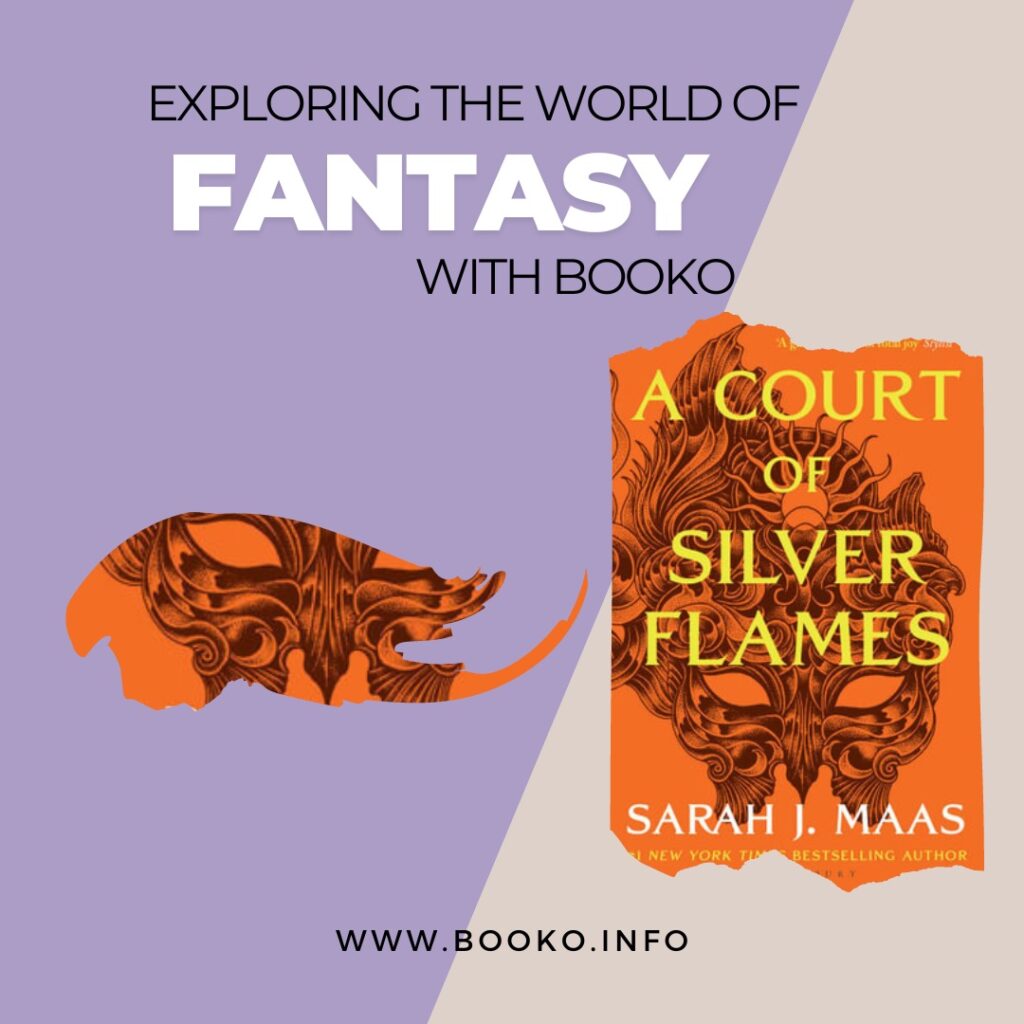
A Court of Silver Flames is a mix of f Buffy, Game Of Thrones and Outlander, and is a glorious series of total joy by Sarah Maas.
Click through to read more.
A Court of Silver Flames is a mix of f Buffy, Game Of Thrones and Outlander, and is a glorious series of total joy by Sarah Maas.
Click through to read more.
So Monday, we meet again.
We hope you all had a great weekend and are ready to take on the new week…and for those that aren’t, you can always curl up with a great book instead.

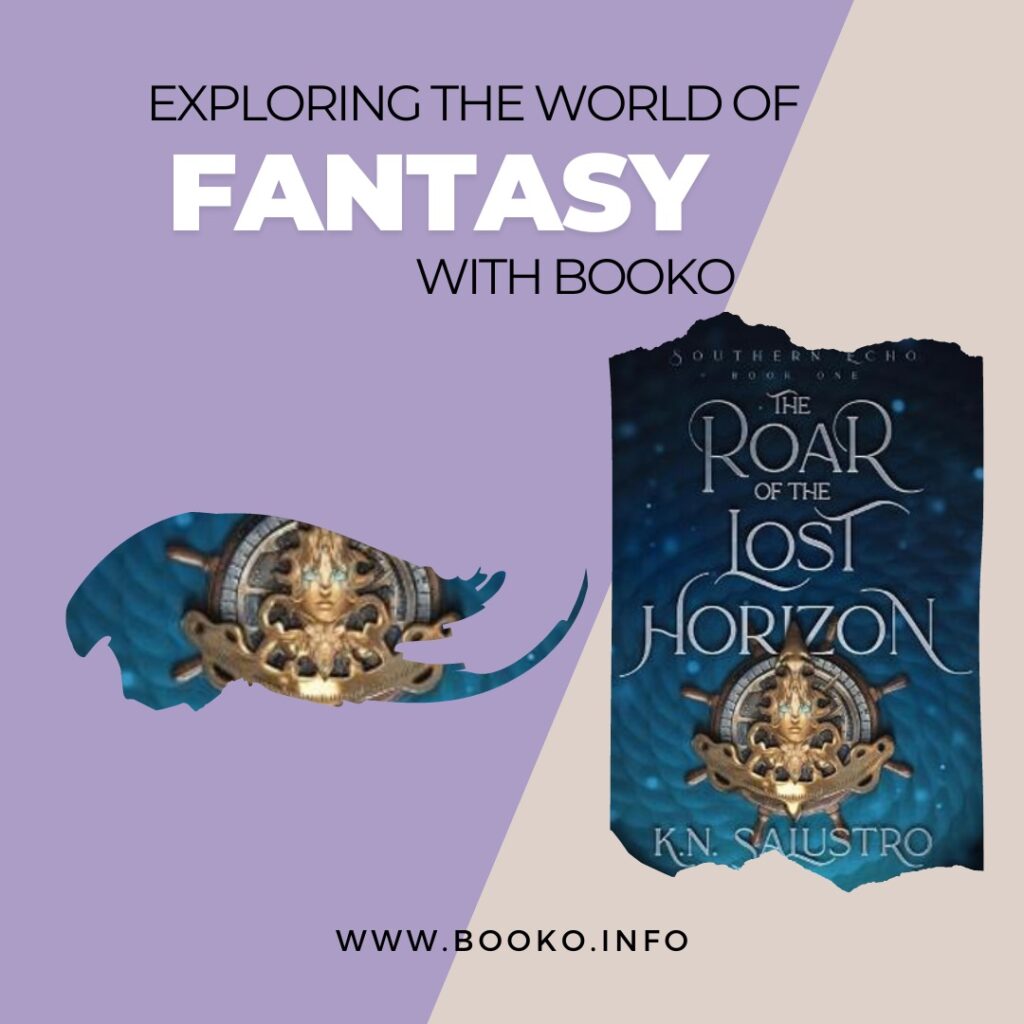
The Roar of the Lost Horizon is an epic adventure full of danger on the high seas with wind magic, pirates and sailors in the imperial navy
Click through to read more.
And that’s a wrap.
It’s Friday afternoon and officially time to close the laptop and head out to spend time with family and friends. Have a fabulous few days.

The Final Strife is the first book of a visionary fantasy trilogy with its roots in the mythology of Africa and Arabia where three women band together against a cruel empire that divides people by blood.
Click through to read more

Continuing Booko’s August focus on self-care, this week we are looking at some recent releases on Mindfulness. Mindfulness is a form of meditation borne of Buddhist tradition – yet you don’t need to be spiritual or “the meditating type” to benefit from this practice. Mindfulness asks us to focus on the present moment without judgment, and can be as simple as focussing on our breathing for one minute. There is much evidence to show that mindfulness can improve our physical as well as mental wellbeing, helping to relief stress and anxiety, improving mental clarity, and helping us get more out of personal interactions. If you have ever felt too busy, overwhelmed, or distracted, then you may benefit from mindfulness practice – and here are some great guides to get you started:
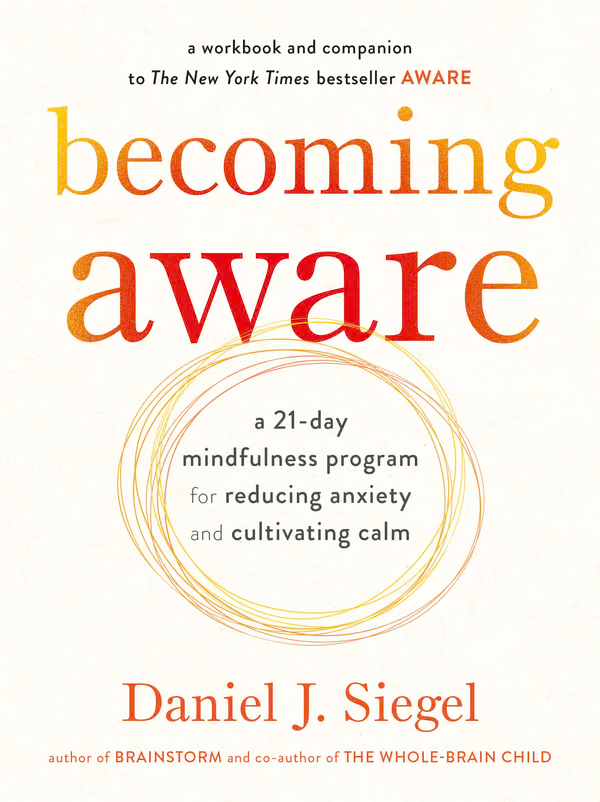
This companion to Daniel J. Siegel’s bestselling Aware offers a 21-day, step-by-step guide to adopting his Wheel of Awareness meditation practice. Siegel developed Wheel of Awareness after reviewing current scientific research, which shows that mindfulness offers physical as well as mental health benefits. Using a series of meditation instructions, practical exercises, and everyday tools and techniques, Becoming Aware enables readers, including children, to focus attention, open awareness, and develop compassion, leading to an enduring sense of calm and quiet.
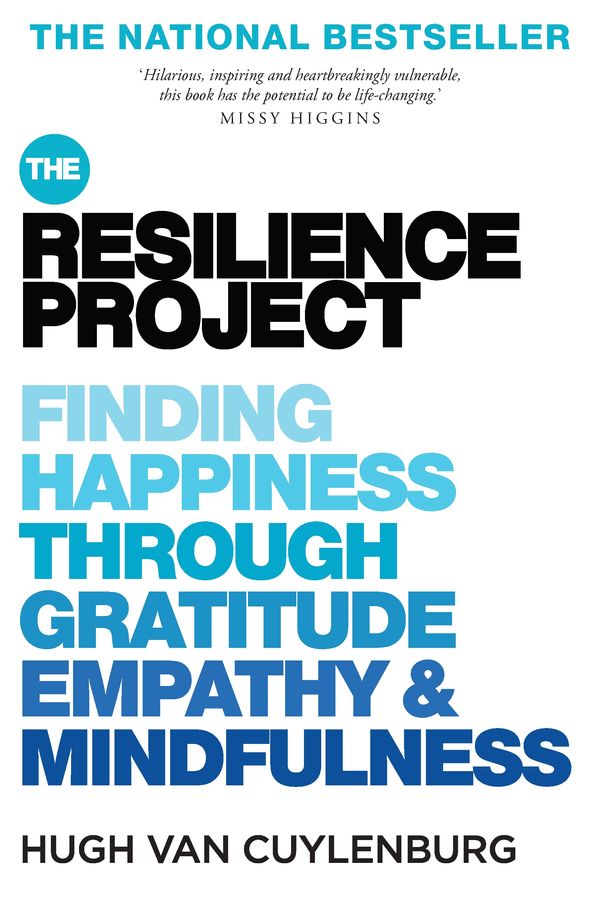
The Resilience Project is more of a memoir than an instruction manual, yet Hugh van Cuylenberg’s life stories are sure to inspire you to make a habit of the simple yet transformational practices of gratitude, empathy and mindfulness – behaviours that lead to resilience and happiness. With humour, poignancy and clear-eyed insight, Hugh van Cuylenberg shares the personal experiences – including his sister’s eating disorder, and his time volunteering in northern India – that has led to his discovery of the link between gratitude, empathy, mindfulness and happiness, which in turn has inspired him to work to help people live a happier and more fulfilling life.
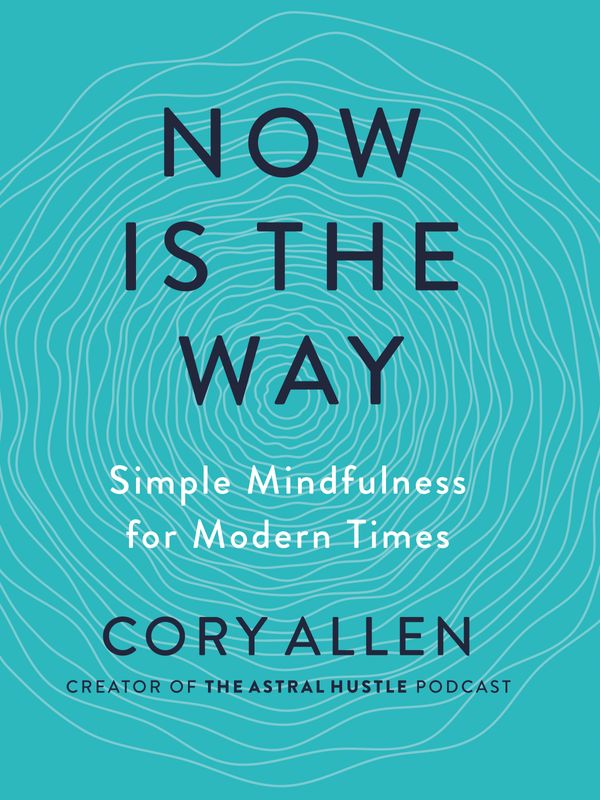
Cory Allen, host of the popular Astral Hustle podcast, adds author to his resume with this practical, highly readable guide to the why, what, and how of mindfulness. As in his podcasts, Now is the Way mixes mindfulness, neuroscience, philosophy and music; it includes a detailed review of current research; discussion of trends in the mindfulness movement; no-nonsense exercises such as deep breathing; as well as how to use “binaural beats”, a form of sound therapy. There is also a detailed bibliography for further exploration. Cory Allen thinks of mindfulness as “strength training for the brain” – it can help us take control of our thinking, stop merely reacting to life and start to live it the way we want.
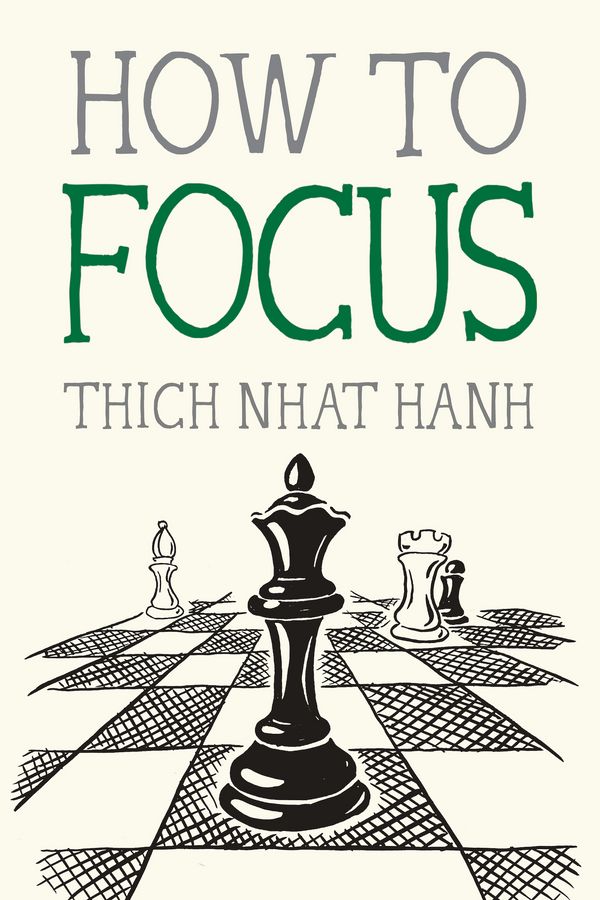
The late Buddhist monk Thich Nhat Hanh is best known in the West as the “Father of Mindfulness”. He also developed the concept socially-engaged Buddhism, and was an active proponent of nonviolent activism. The Mindfulness Essentials series is a pocket-sized collection of Thich Nhat Hanh’s writing that focuses on key elements of mindfulness practice. How to Focus offers a set of simple meditations, written with his characteristic kindness, that can help us overcome constant distraction and regain our powers of concentration, and thus foster the conditions that bring insight and understanding.
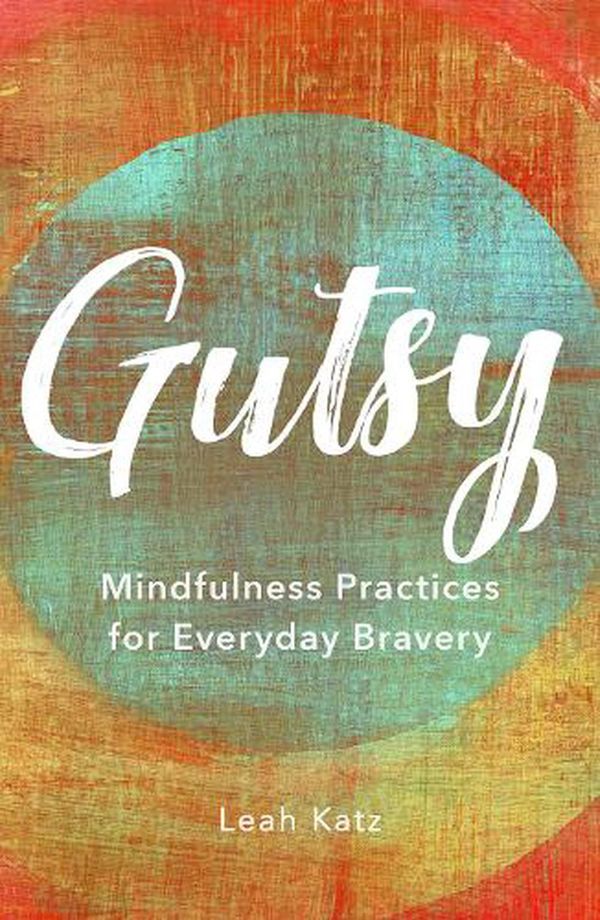
Dr Leah Katz is a clinical psychologist who uses a mix of behavioural therapies and mindfulness techniques in treating anxiety and depression. In Gutsy, she shows how mindfulness can be part of a broader toolkit that helps us make bolder, more fulfilling choices;
by adopting a mindset of joy, gratitude, and resilience, we can learn to identify what is holding us back, to overcome our fears, and move past society’s unrealistic and often harmful expectations to create the self-loving and compassionate life that we all deserve.
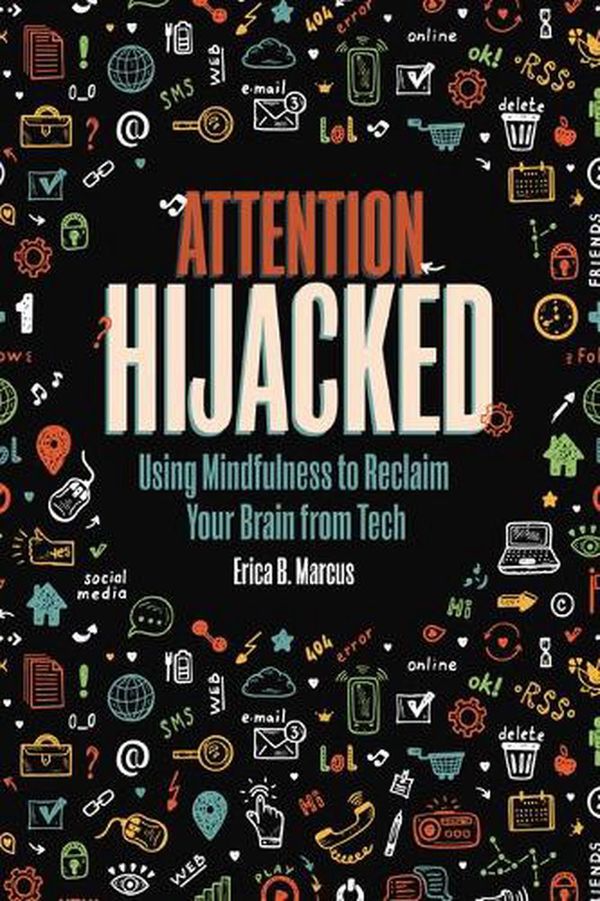
Attention Hijacked offers invaluable advice to steer teens towards healthier tech-use habits, without resorting to “screentime is bad” scare tactics. Erica B. Marcus acknowledges that technology offers many benefits, including education, entertainment, social connection and personal expression; yet some technologies are designed to be addictive, and can interfere with cognitive abilities and mental and physical health. Attention Hijacked shows how mindfulness can help us reassess our technology use, leading to a more conscious, balanced approach. A great resource for teens as well as their caregivers and teachers.
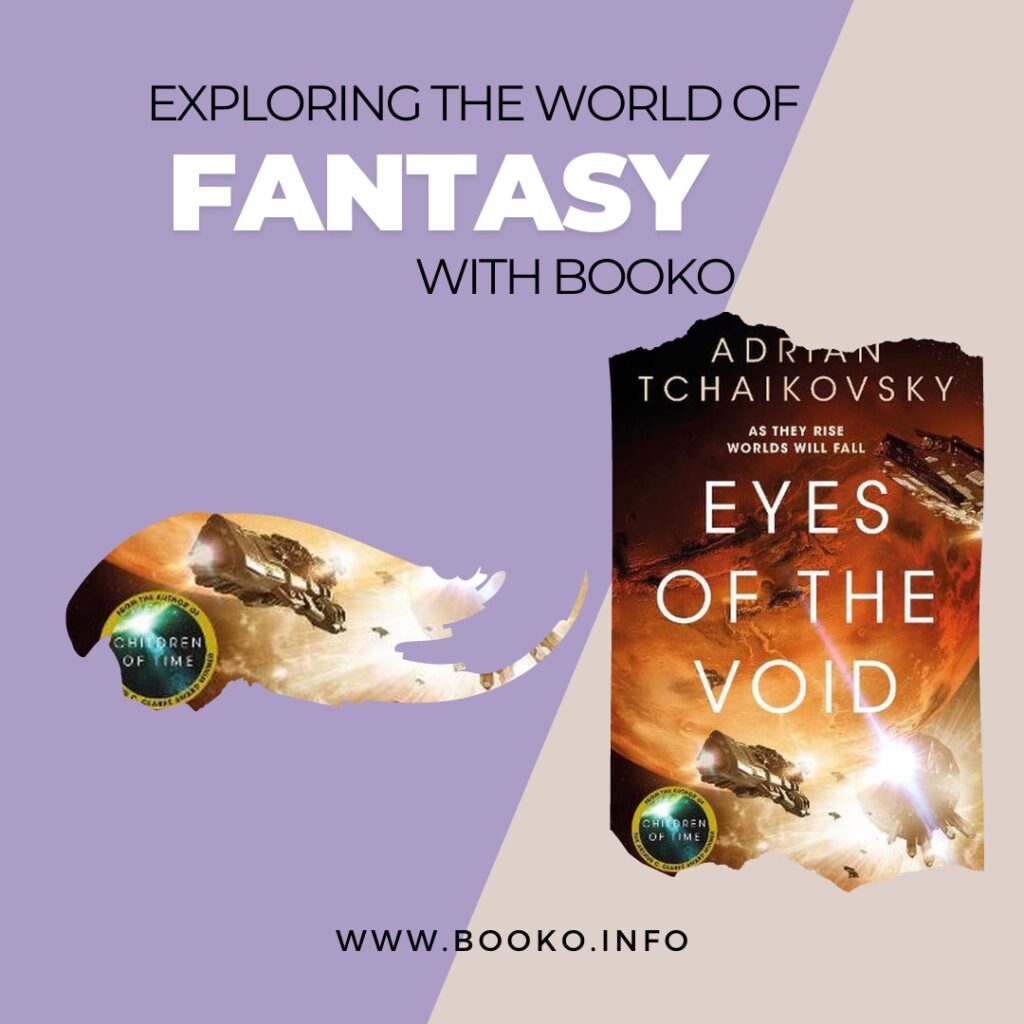
The award-winning author of Children of Time brings us the second novel in an extraordinary space opera trilogy about humanity on the brink of extinction, and how one man’s discovery will save or destroy us all in Eyes of the Void.
When is the last time you did absolutely nothing for 10 whole minutes? Mindfulness expert Andy Puddicombe describes the power of doing just that in this Ted Talk.
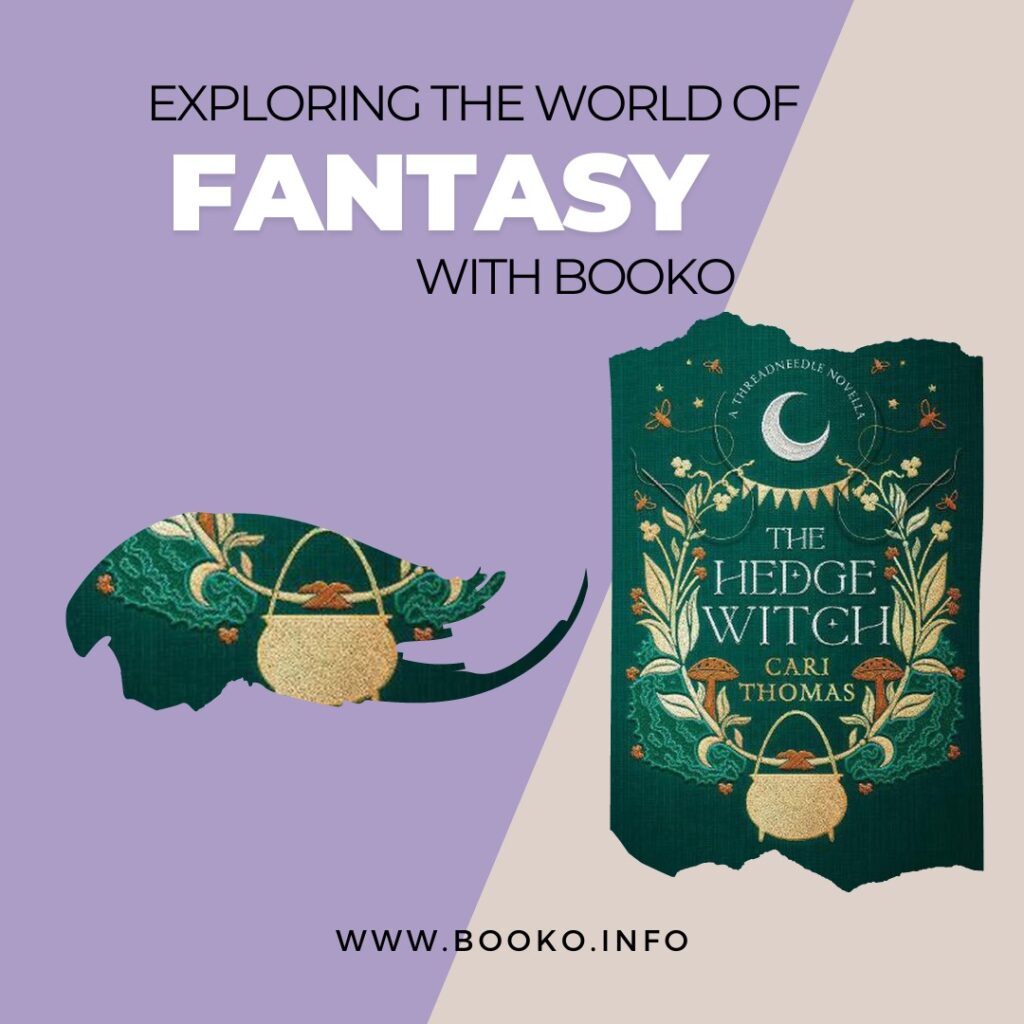
The Hedge Witch is an enchanting new novella set in the magical world of Sunday Times bestseller Threadneedle by Cari Thomas.
Click through to read more.
There are so many ways to help your mind relax. Choosing which technique to use is a little trial and error, which mindfulness technique do you find the most effective?